Apps for monday.com
Let’s explore how to use the currency conversion feature automation
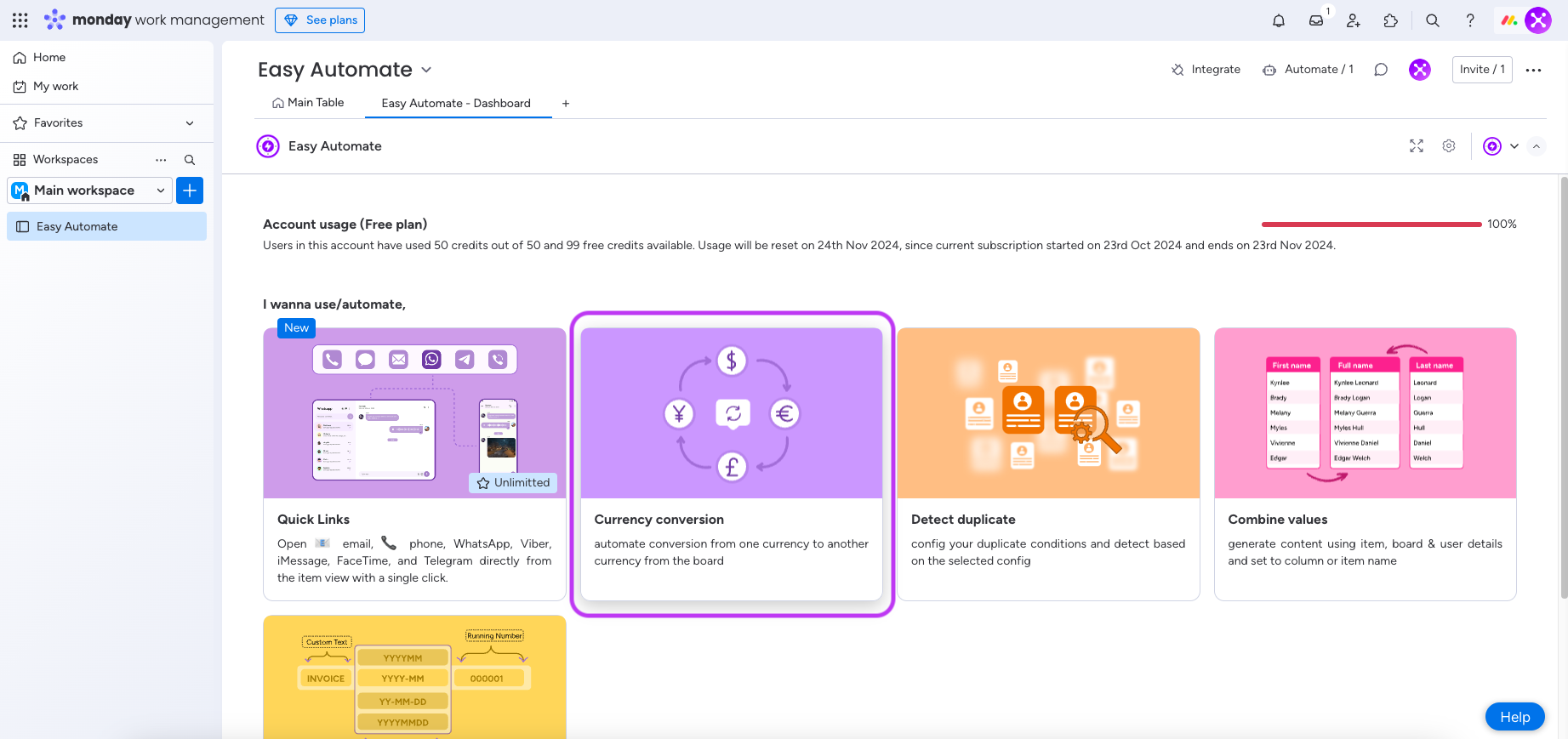
Step 1: click the currency conversion feature card from the app main board view as shown below image,
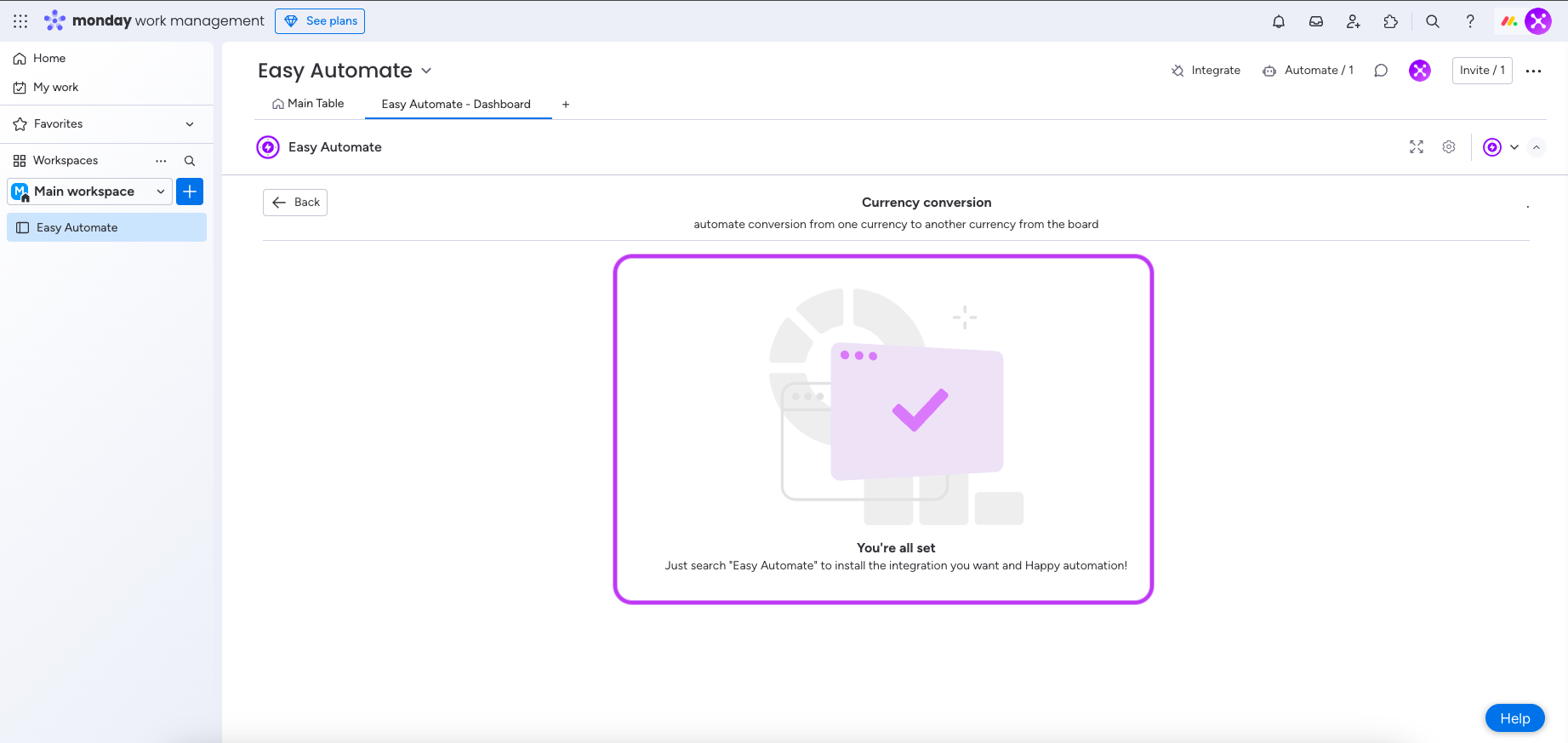
Step 2: as you can see from below image only installing the right integration is enough to use this feature,
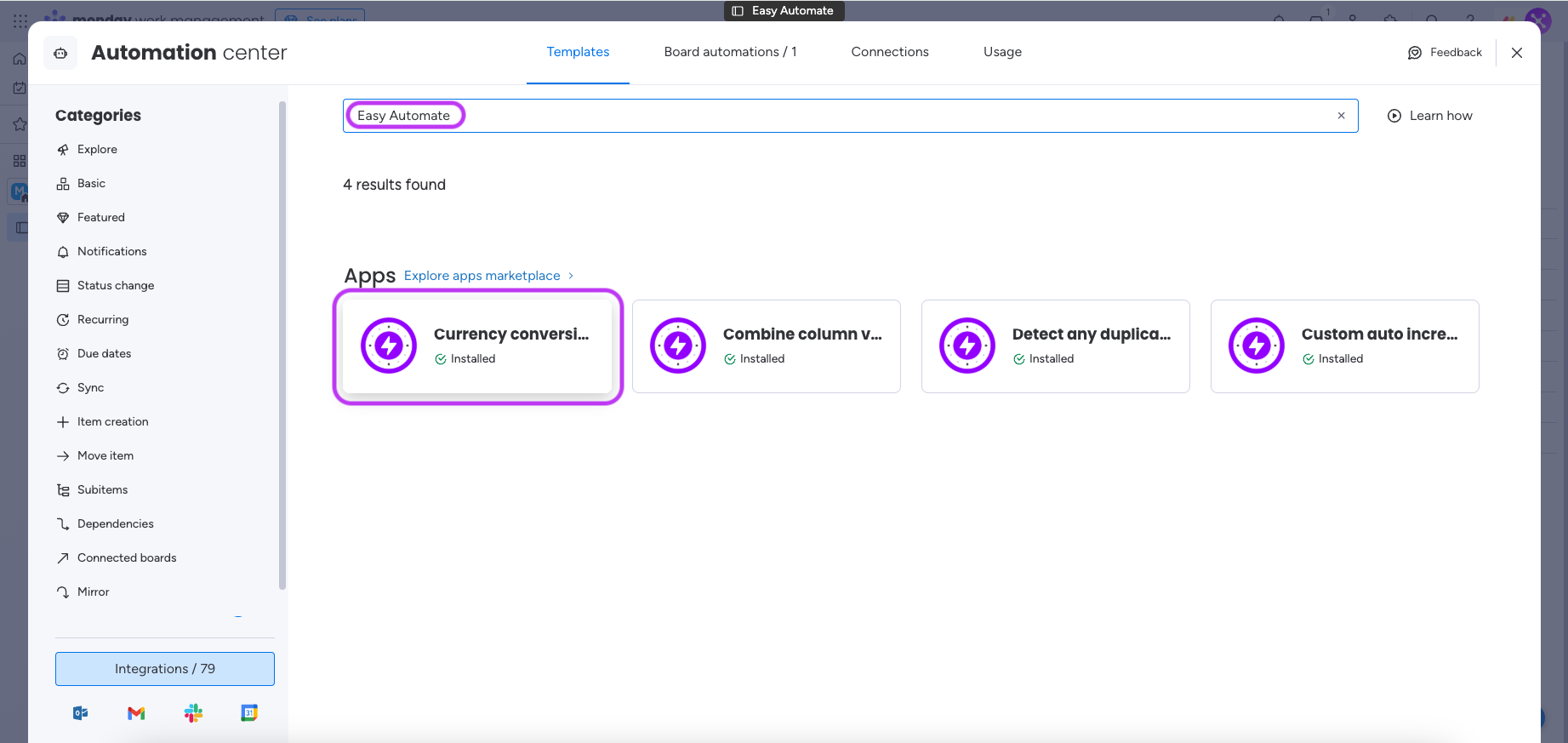
Step 3:Now it’s the time to install the integrations so Click “Integrate” and search for “Easy Automate” as shown in the below image,
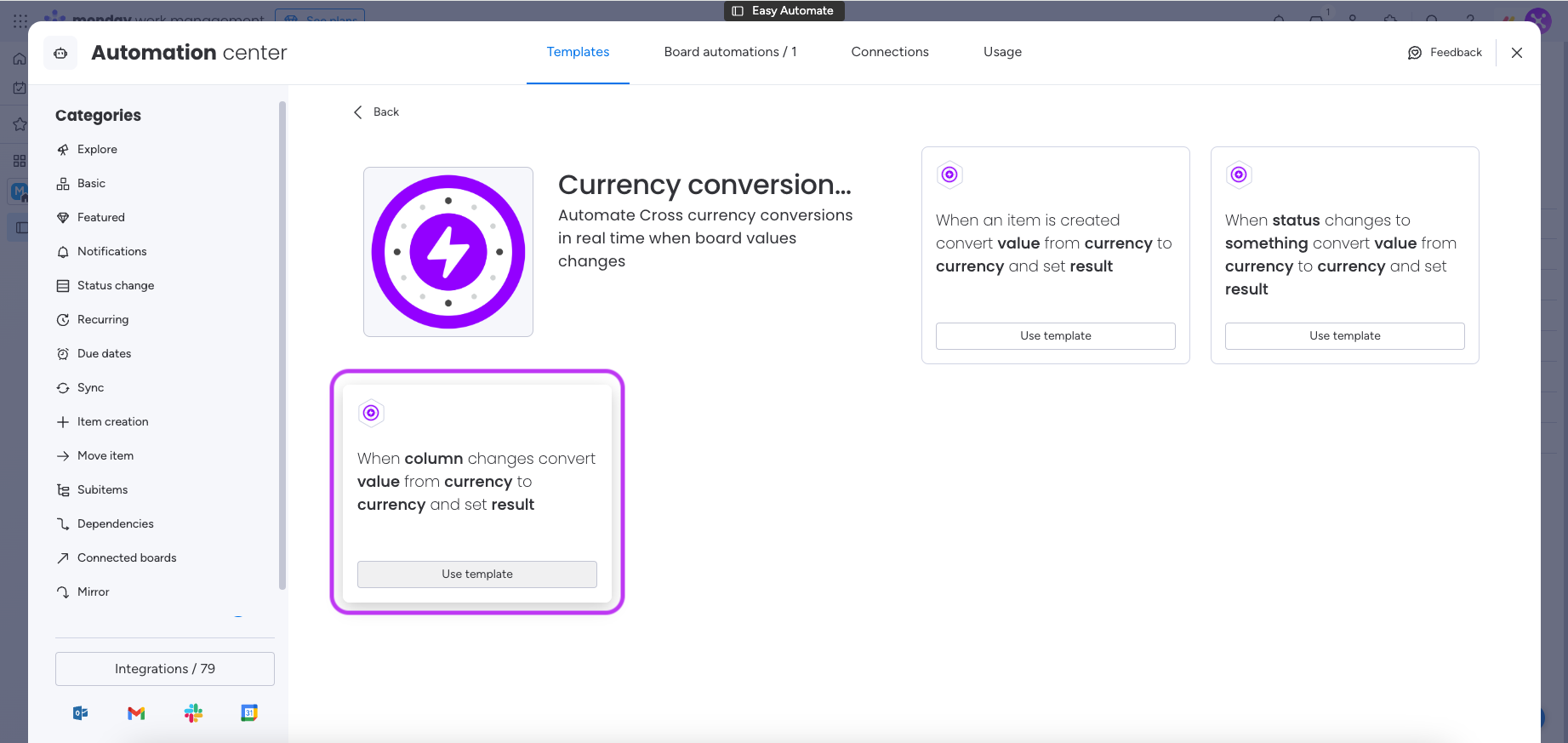
Step 4: Now click the currency conversion feature card & all integration will be listed as follows,
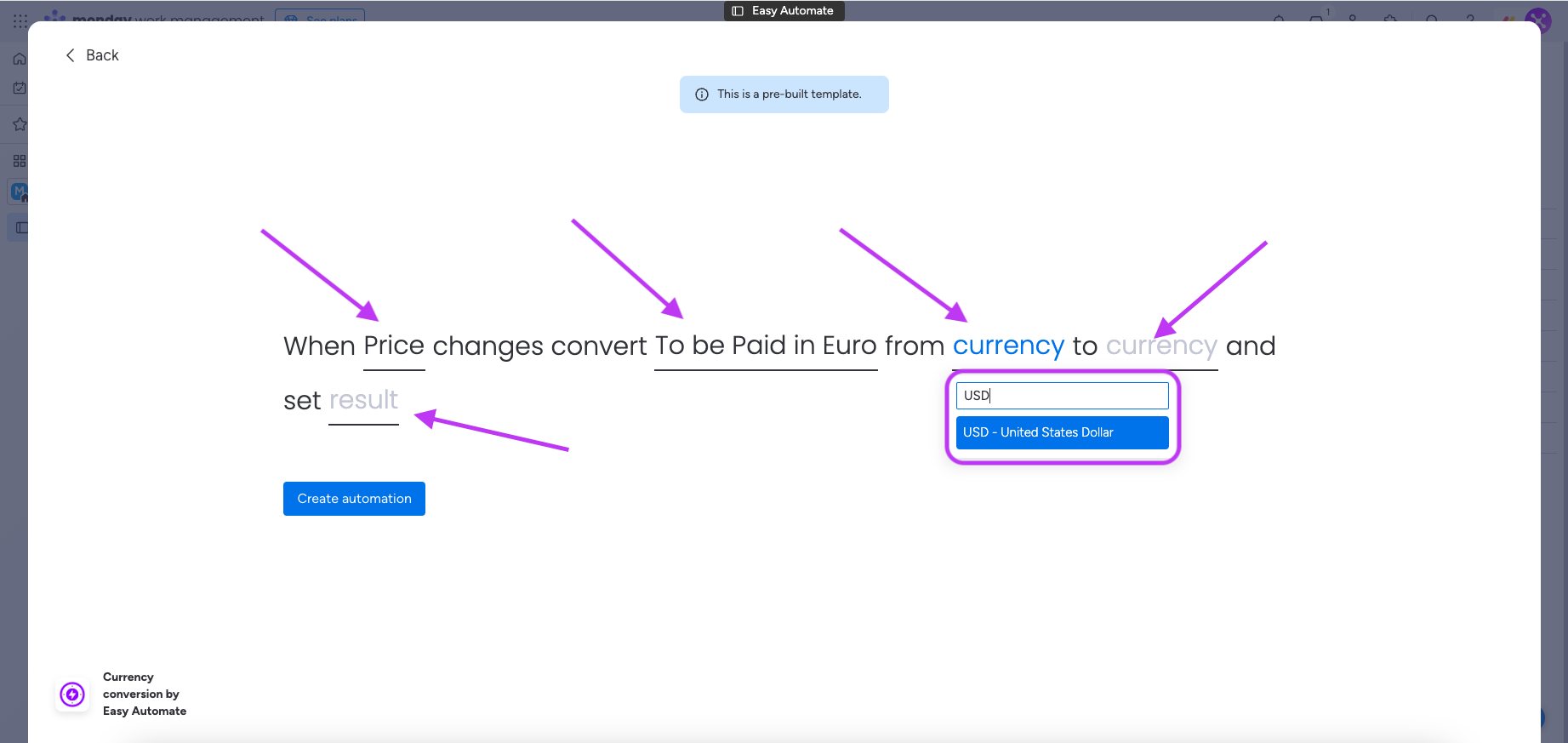
Step 5: Now click on the integration you want to automate and configure it by selecting the columns and options as shown below,
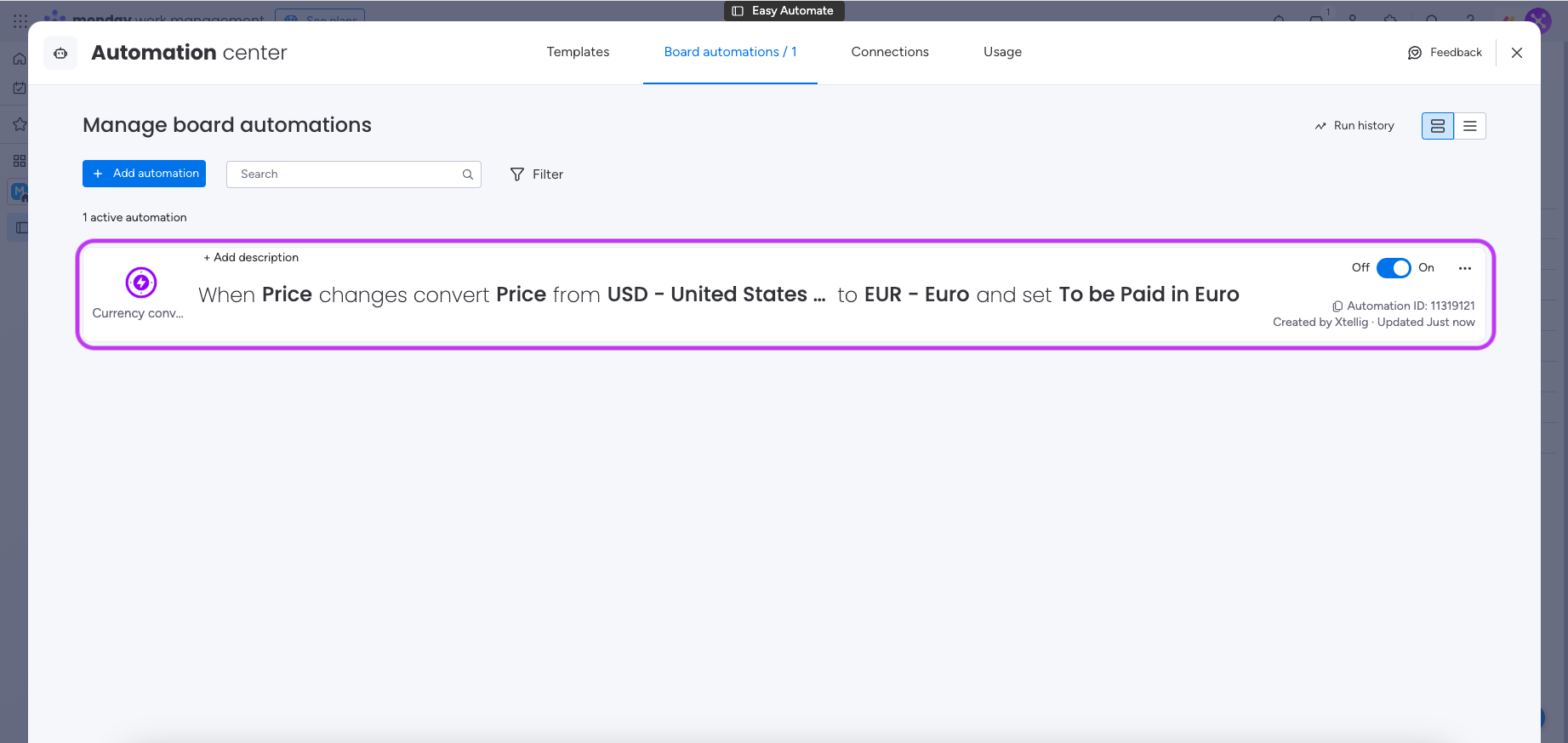
Step 6: Congratulation now you successfully automated the currency conversion you can change or delete it later,
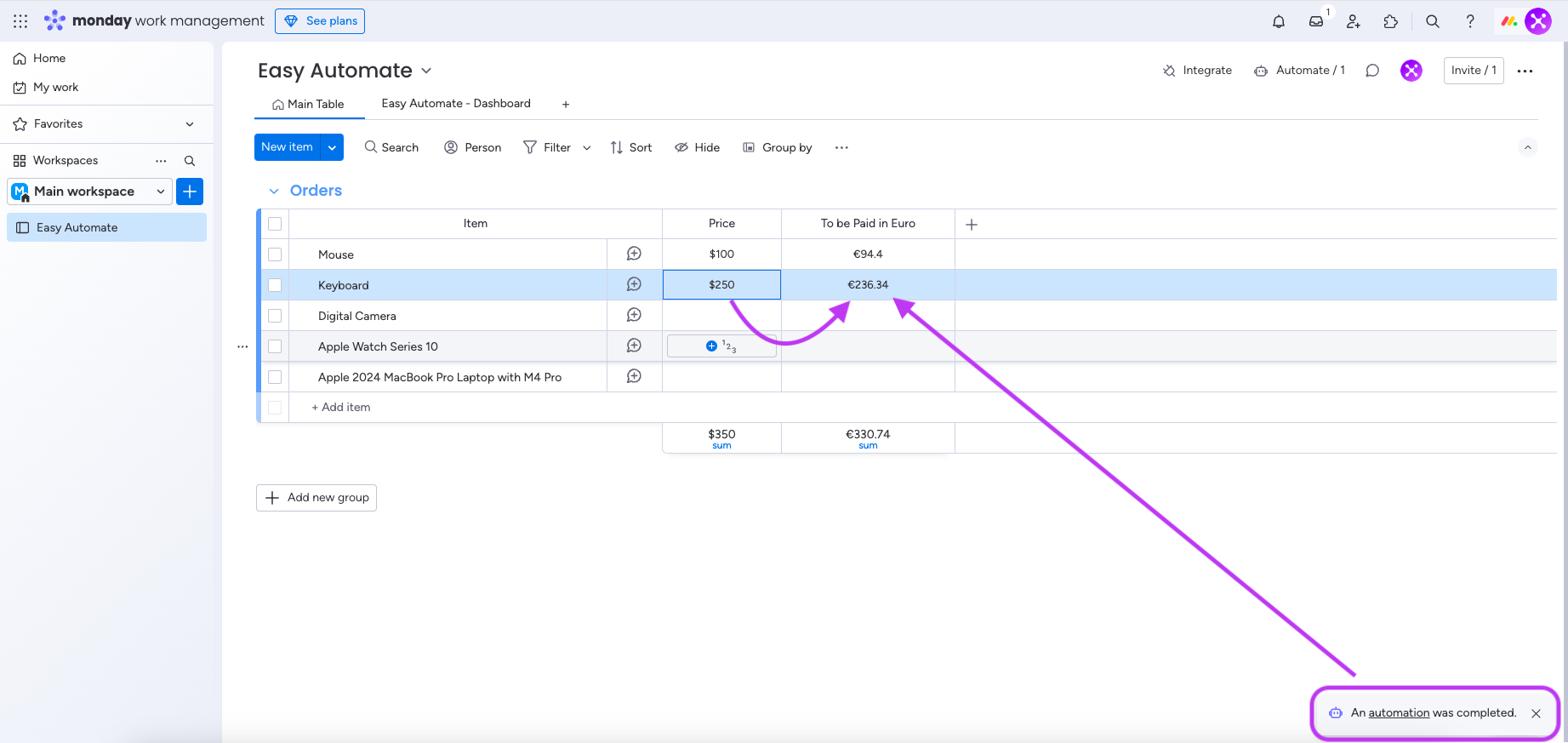
Step 7: every time the automation runs you will see the result as shown below,